Table of Contents
Example: Storage
This example checks whether storage media are mounted. It returns the base path and the available disc space of each medium. A text file can be written to and read from the file system.
Project: ZSOM-Control_Storage.lvproj (ZSOM-Control) and ZSOM-Mini_Storage.lvproj (ZSOM-Mini). In LabVIEW, open Help → Find Examples and search for “ZSOM”.
Supported media are the internal memory, a micro SD card (see SD card) and USB drives.
ZSOM-Control
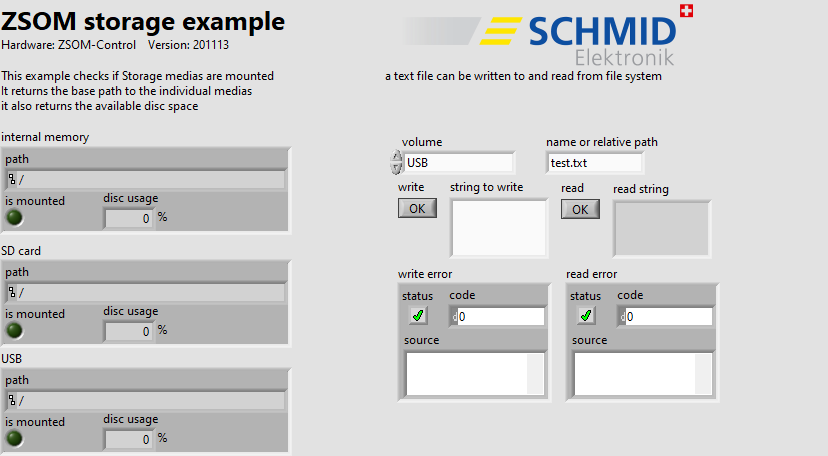
RT code: front panel (ZSOM-Control)
| Control / Indicator | Function |
|---|---|
| internal memory / SD card / USB | For each medium: path, is mounted, disc usage in % |
| volume | Medium for the text file (USB, SDcard or internal) |
| name or relative path | File name or relative path (default test.txt) |
| write, string to write | Writes the string to the file |
| read, read string | Reads the file |
| write error / read error | Error cluster of the write and read action |
ZSOM-Mini
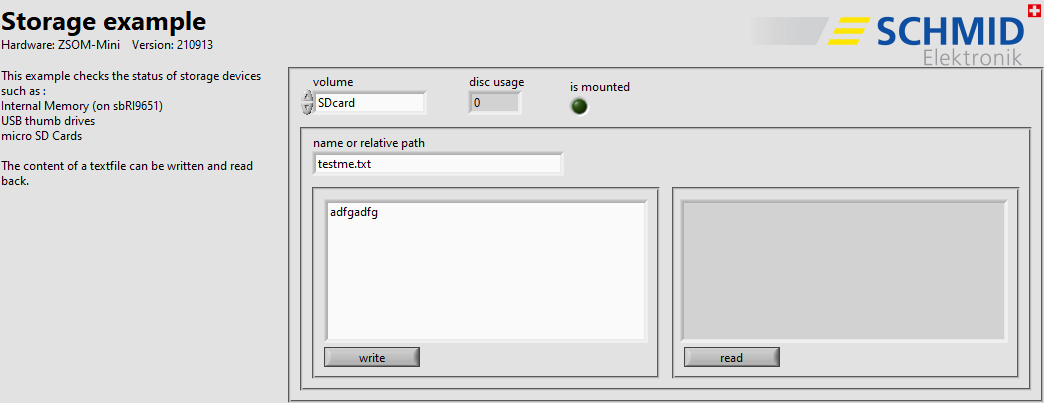
RT code: front panel (ZSOM-Mini)
On the ZSOM-Mini, the example checks one selected volume at a time: internal memory (on the sbRIO-9651), USB thumb drives or micro SD cards. The indicators is mounted and disc usage belong to the selected volume. The content of a text file can be written and read back with the buttons write and read.
How it works
- RT (
Storage_RT_main.vi): Two parallel loops. The loop File system asks the file system VIs of the SDK for path, mount state and disc usage of each medium (wait time 200 ms). The loop read and write text file writes and reads the text file when the buttons are pressed.
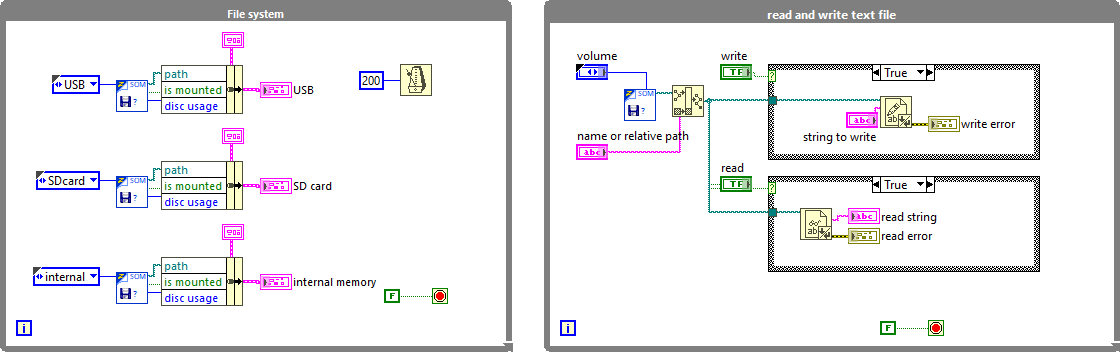
RT code: block diagram (ZSOM-Control)
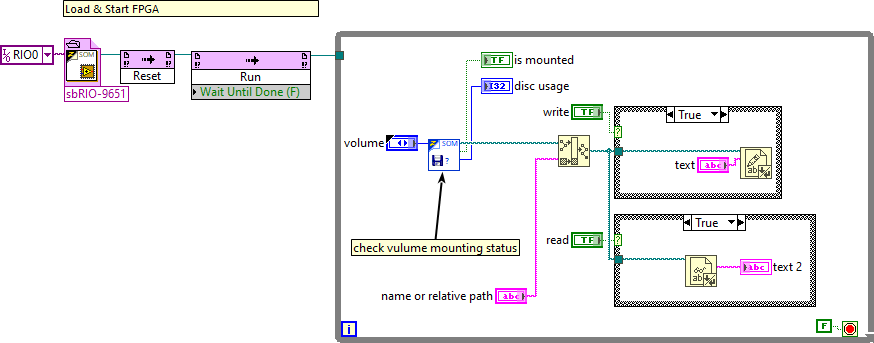
RT code: block diagram (ZSOM-Mini)